Dictation language
Choose the language KretaOS listens in when you dictate a log, including Hindi, Hinglish and seven more Indian languages.
Updated 8 Oct 2026
When you dictate instead of typing — Say it and the quick log — KretaOS listens in one language. You choose which.
The languages
- English (India)
- Hindi
- Hinglish
- Gujarati
- Marathi
- Tamil
- Telugu
- Bengali
- Kannada
English (India) is the default.
Hinglish is for the way many of us actually speak — "client ne bola next week call karo, pricing pe discount chahiye". It uses the Hindi recogniser, which picks up mixed Hindi and English speech.
Change it
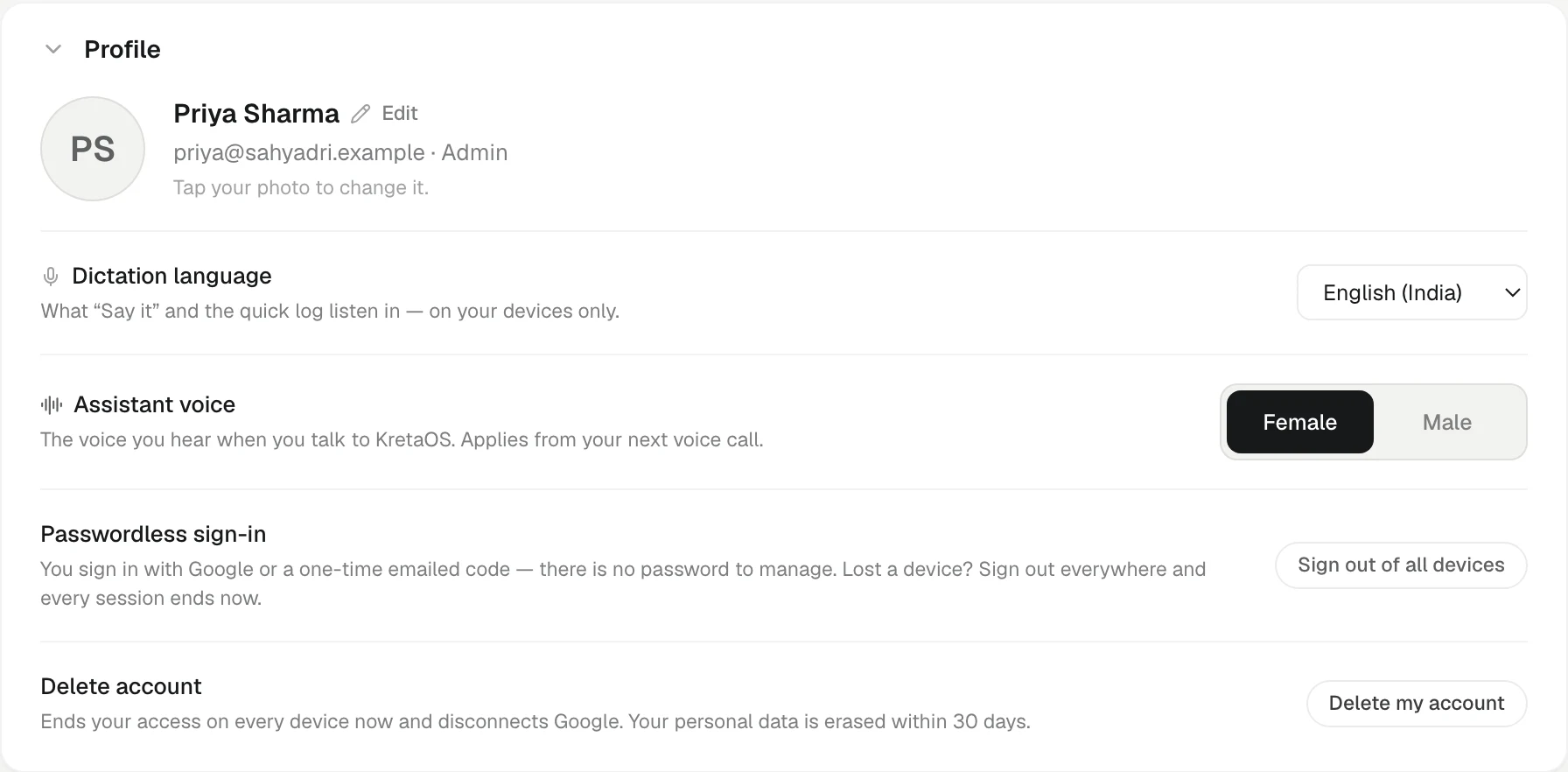
- Open Settings.
- In Profile, find Dictation language.
- Pick a language from the list.
It saves straight away — a tick appears — and every microphone in KretaOS uses it from then on, without a reload.
It is personal
The dictation language is yours alone. It follows your accent and your mix of languages, so each teammate sets their own. It applies on the devices you sign in on.
Dictation and voice calls are different
- Dictation turns your speech into text for a log or a note. It never uses AI credits — dictating a log is the same as typing it.
- A voice call with the AI assistant is a conversation. It understands and answers in whatever language you speak, so it does not use this setting, and it does use AI credits. See What never uses AI credits.
Related
- Your profile, name and photo — Change the name and photo your team sees, and the voice the AI assistant speaks in.
Or write to contact@tamkis.com