Choosing the assistant's voice
Pick a female or male voice for your voice calls with Ask AI. It is your own setting and applies from your next call.
Updated 8 Oct 2026
When you talk to KretaOS, you hear one consistent voice — like a colleague you recognise. You choose whether that voice is female or male.
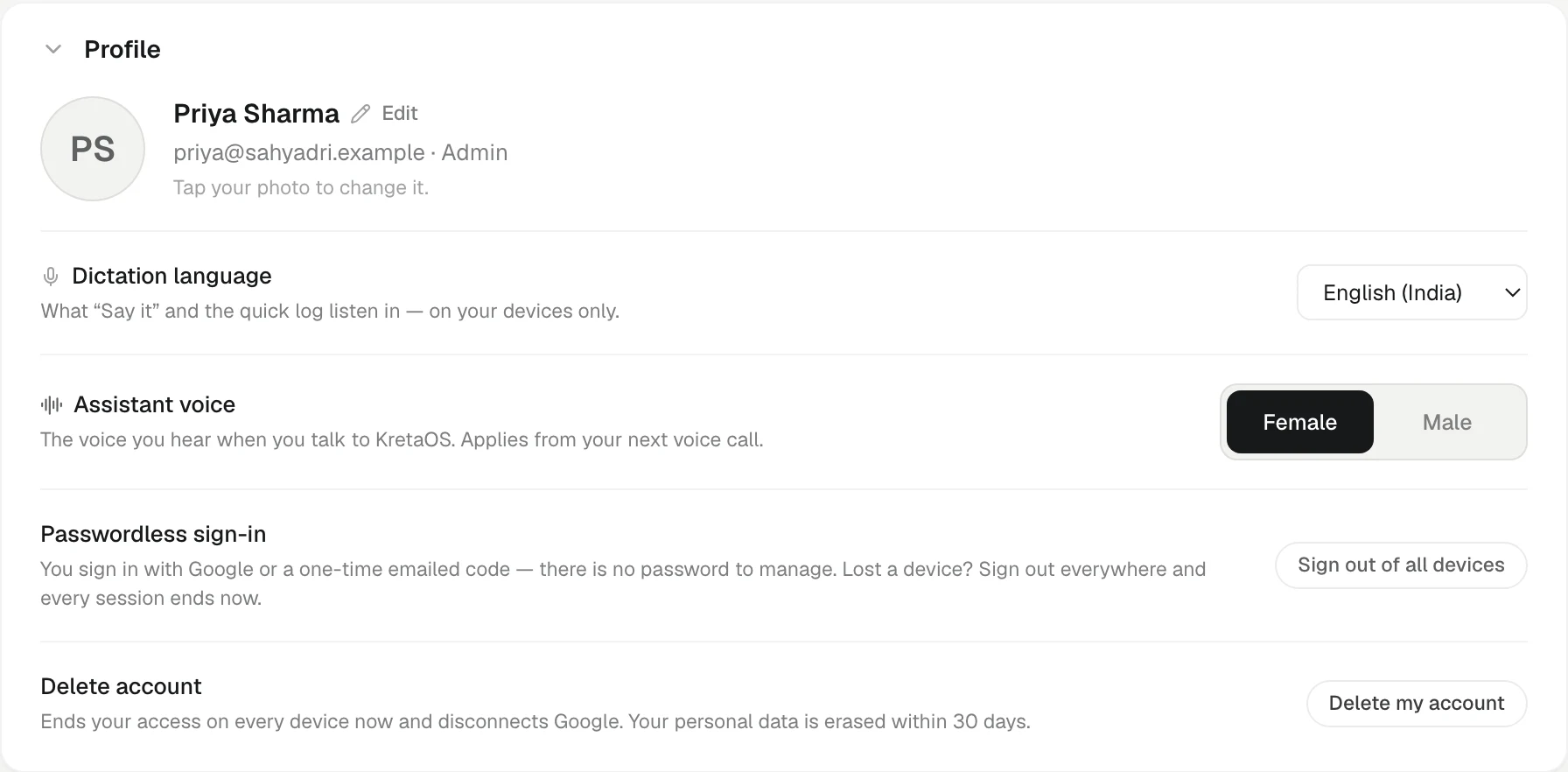
Change the voice
- Go to Settings.
- In Profile, find Assistant voice.
- Choose Female or Male.
The new voice applies from your next voice call. A call that is already running keeps the voice it started with.
Good to know
- It is personal. The setting changes only the voice you hear. Each teammate picks their own.
- The default is Female. If you never choose, every call uses the female voice.
- It shapes grammar too. In Hindi, Marathi, Gujarati and other languages where the speaker's gender changes the verb, the assistant speaks about itself in the form that matches its voice. See Languages Ask AI understands.
- It does not change what Ask AI can do. Both voices work the same way, in the same languages, at the same credit rate.
- Typed chat is not affected. The voice matters only on a voice call.
Related
- Voice calls with Ask AI — Talk to KretaOS hands-free — ask questions, log calls and set reminders by voice, with every change read back before it happens.
- Languages Ask AI understands — Speak or type in Hindi, English, Hinglish, Tamil, Gujarati and other major Indian and global languages — Ask AI answers in kind.
- Your profile, name and photo — Change the name and photo your team sees, and the voice the AI assistant speaks in.
Did this answer it?
Or write to contact@tamkis.com