Welcome to your first week
What this course covers, who it is for, and how eight short lessons take you from an empty workspace to a daily habit.
Lesson 1 of 8 3 minUpdated 29 Oct 2026
What KretaOS does for you
KretaOS remembers every client conversation for you — email, WhatsApp, calls and meetings — and turns it into a memory you can read on each client's page. Every morning, Home tells you who needs you today: a client going quiet, a promise coming due, a deal that has stalled.
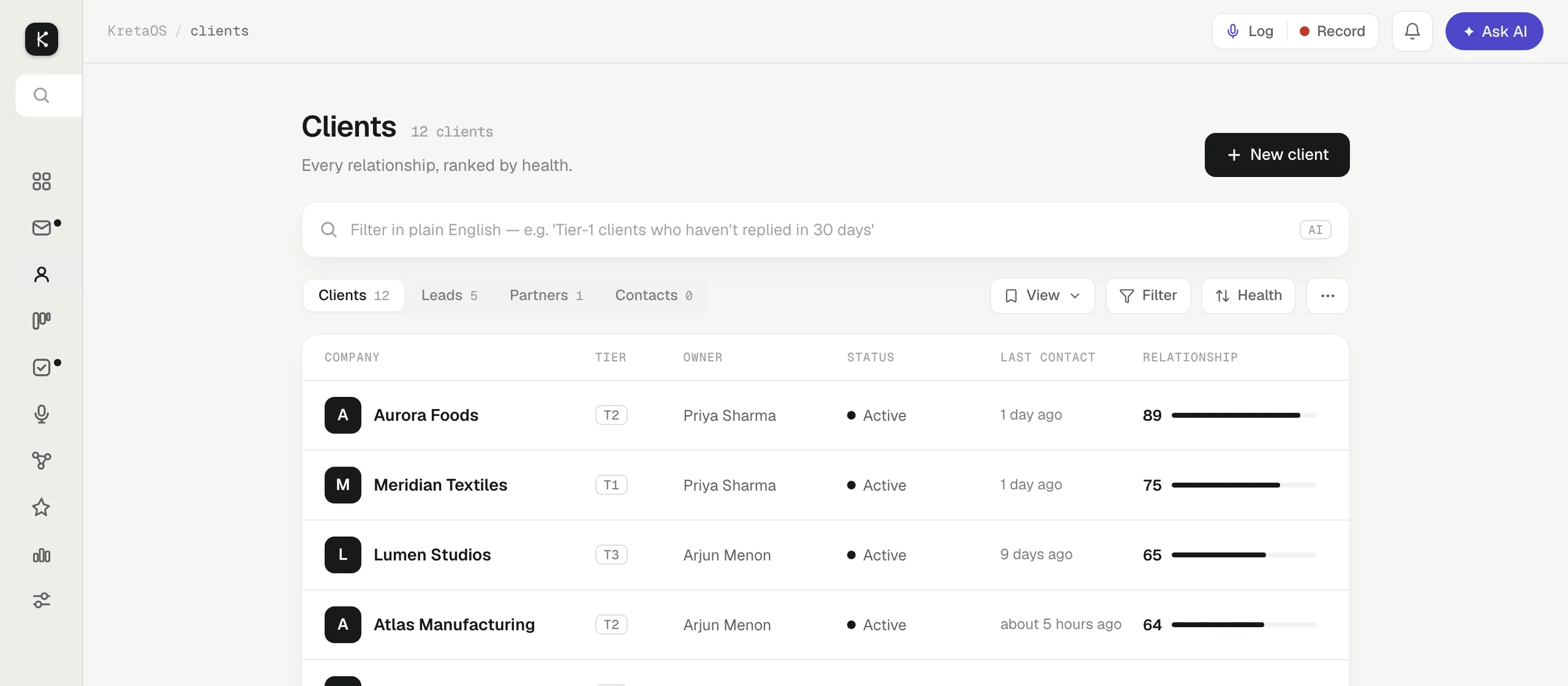
None of that works on an empty workspace. This course gets your clients in place, your mail flowing in and your first touches logged, so that by the end of the week KretaOS is doing the remembering and you are doing the work.
Who this course is for
Anyone starting out on KretaOS: the person who set up the workspace, and every teammate who joined it later. You do not need to know anything about CRMs. Each lesson describes the real screen, by the names you will see on it, and asks you to try one thing.
The last lesson, on inviting your team, is mostly for admins — only an admin can add teammates. If you are a member, read it anyway so you know what your admin sees.
The eight lessons
- Welcome — this page.
- Bring your clients in — add them one at a time, or all at once from a spreadsheet.
- Connect Google — let your client mail and meetings reach the right client pages by themselves.
- Log your first touch — a call, a chat or a meeting, in one line.
- Read a client page — what KretaOS remembers about a client, and where each fact came from.
- Home and Do now — the short list that tells you what to do today, and how to clear it.
- Ask AI — ask about any client, or get something done just by asking.
- Invite your team — share the client book with the people who work it.
How long it takes
The whole course is about 35 minutes of reading. Each lesson takes between three and five minutes, and ends with a Try it section of a few steps in the real app. You can do it in one sitting, or one lesson a day across your first week — the lessons build on each other, so go in order.
Try it
- Sign in to KretaOS with the email or Google account you signed up with.
- Open Home from the menu — it is the first item, and the page KretaOS opens on.
- Leave that tab open and go on to the next lesson, Bring your clients in.
Related
- Bring your clients in — Add one client in a sentence, or bring your whole book from a CSV or Excel file — an import can be undone straight after.
Or write to contact@tamkis.com